
GAME ROOM HELP
CLICK THE QUESTION MARK ?
Along the left top of the board
ADD TOKEN CARDS DICE CHAT
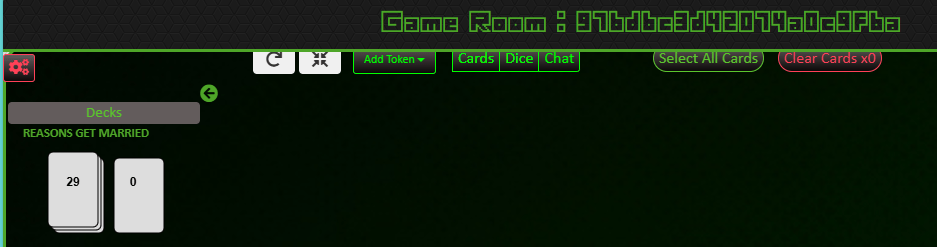
Click the CARDS icon – to see the cards in your hand
CARD DECKS ARE AT THE TOP LEFT OF THE SCREEN
UNDER THE DECKS YOU HAVE – DRAW PLAY
DECK
SHUFFLE
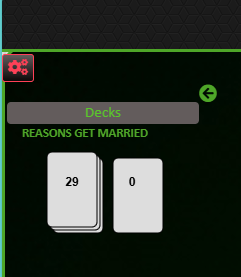
DECK – CLICK TO SHOW ALL THE CARDS IN THE DECK
click a card in the deck to select it and place it in your hand DRAW – When you select draw the next card in the deck is selected – If the deck has been randomized then this will be a random card from the deck
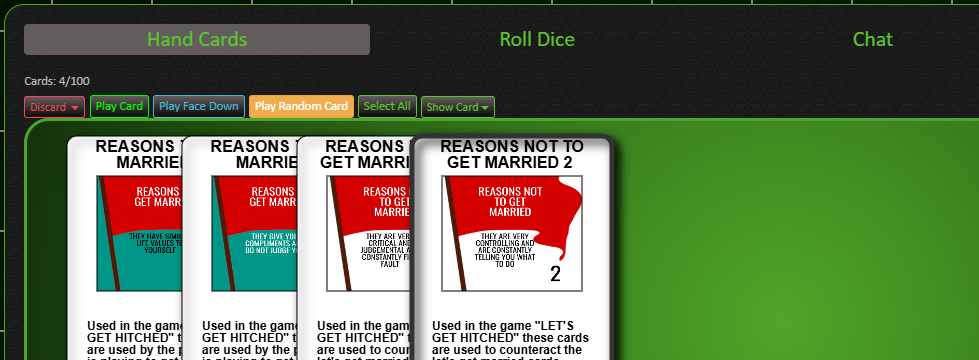
CLICK A CARD IN YOUR HAND TO HIGHLIGHT AND MAKE ACTIVE THE FOLLOWING TABS
DISCARD PLAY CARD PLAY FACE DOWN PLAY RANDOM CARD
SELECT ALL SHOW CARD
CLICK SHOW CARD – this adds selected card to CHAT
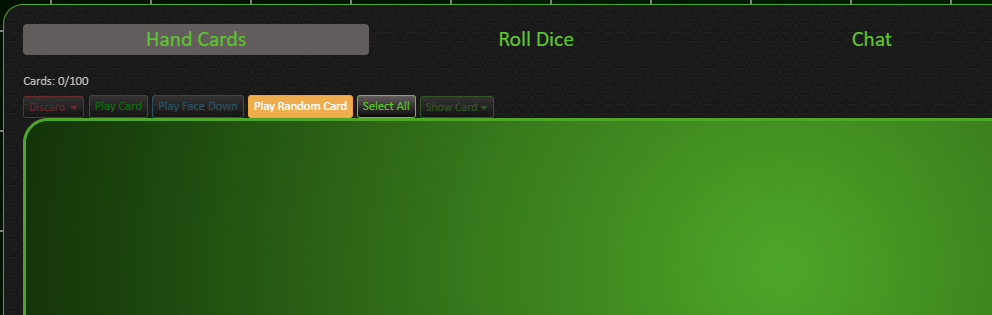
CLEAR ALL CARDS – only click to discard all cards in play
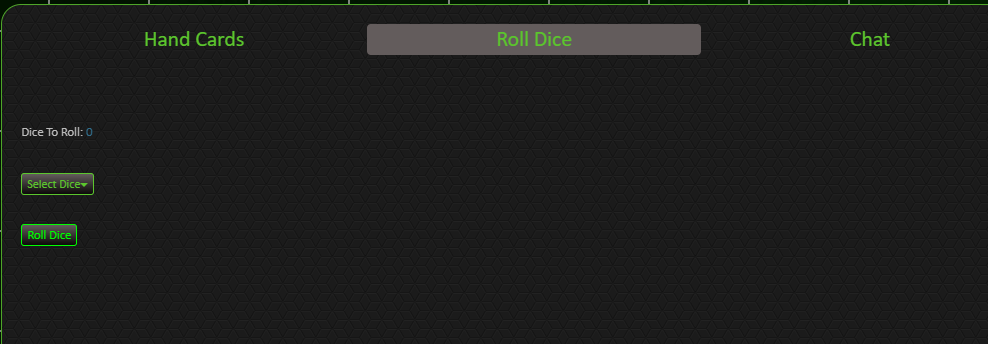
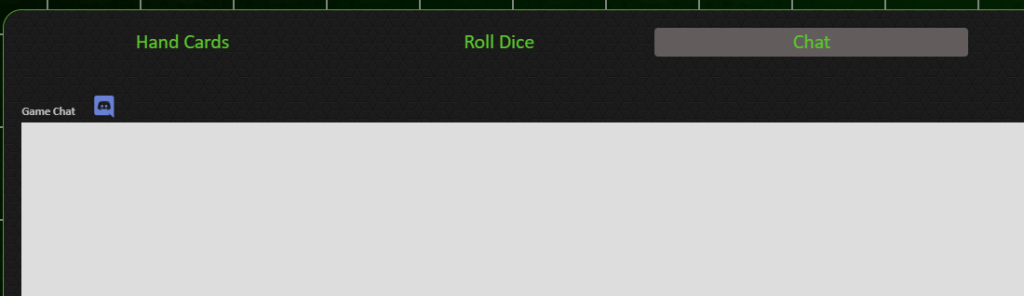
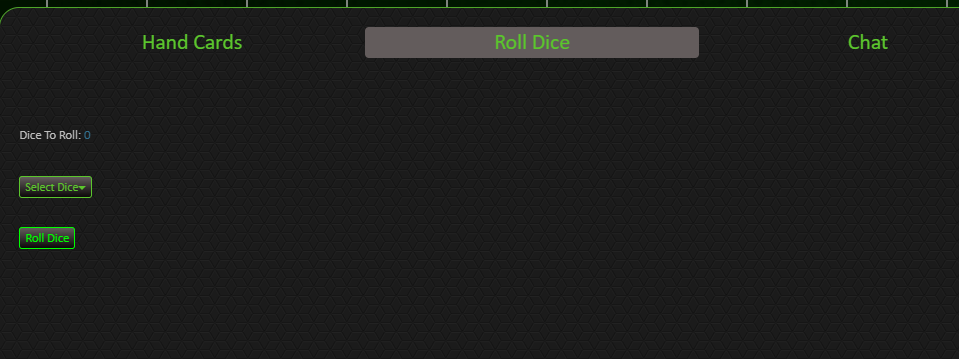
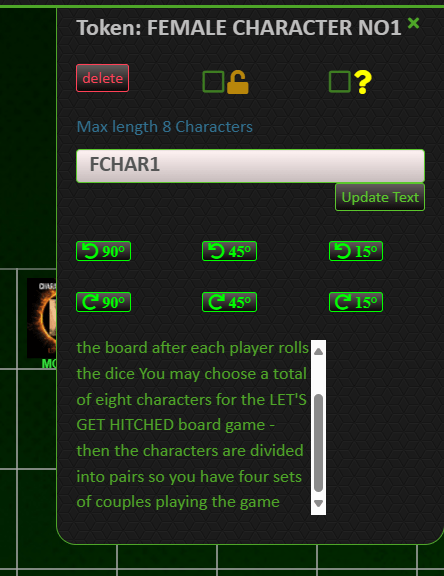
CHARACTER PLAYER CARDS – are known as TOKENS – These are located at the top of the game board – They are moved around the game board by the players after throwing the dice – KLICK ON THE ICON AND DRAG IT – TO MOVE ITS POSITION

CLICK THE CROSS ICON – (top of the game interface) – so you can see all of the game board at the same time (in reduced size)
CLICKING THE CIRCLE ARROW (SHOWN BELOW) – turns the board up side down
BELOW THE BOTTOM OF THE GAME BOARD
You have a HAND ICON – bottom right corner – This can be clicked to bring up the cards in your hand
VIDEO AND MICROPHONE ICON – can be used if you have these attached to your computer
LINK BACK TO PREVIOUS PAGEhttps://yourrelationships.co.uk/lets-get-hitched-online-game/
 YOUR RELATIONSHIPS